There several ways that you can change your Discovery Education password. In this article, we will outline the steps to change your password from Office.com.
In a web browser, sign in to Office.com and click on the gear (Settings) in the upper right corner of your screen.

After clicking on the gear (Settings icon) click on Change password.

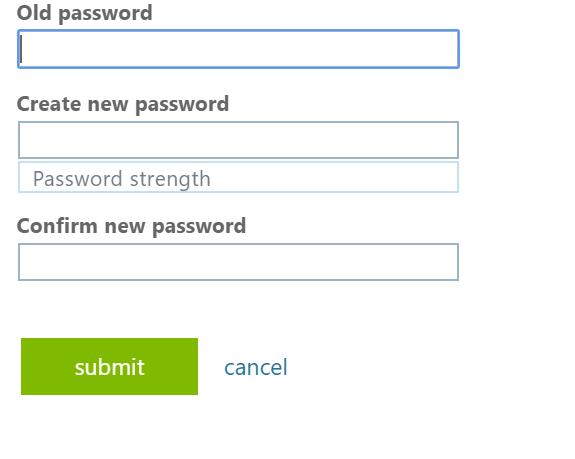
Follow the instructions on the Change password page.
If you need further assistance you can call our Help Desk at 704-457-0082 or submit a request at the top or bottom of this page.